For those who keep their media files on their computers and haven't switched to streaming services like Netflix and Spotify, managing a library and keeping it in perfect order can be a serious and complex task. If you're looking for a free solution for Windows, MediaMonkey might hold the answer for you.
Free vs. Gold versions
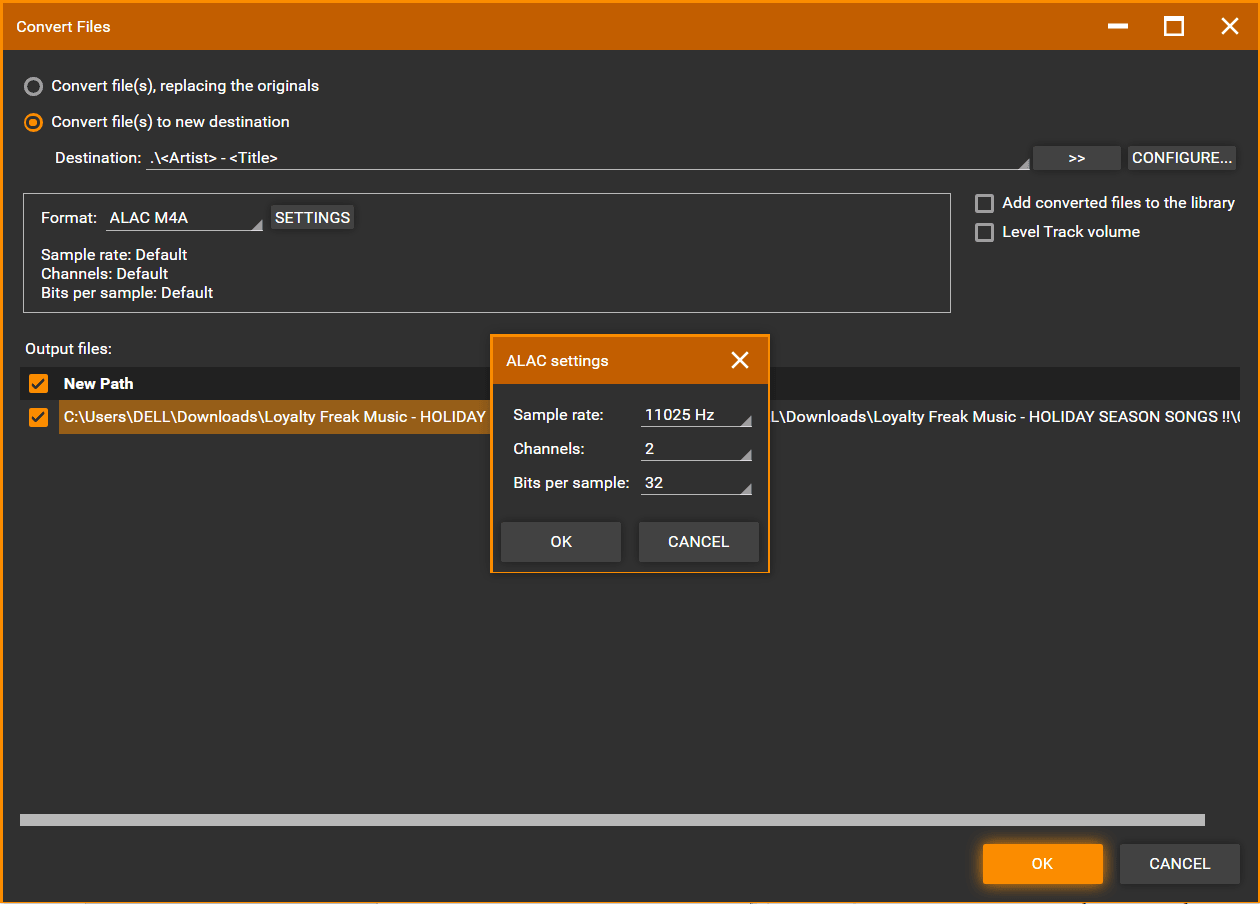
MediaMonkey is a free and powerful media player and manager. It has a premium version as well (MediaMonkey Gold), which brings advanced features like automatic file conversion, better CD ripping, and the option to purchase lifetime free upgrades. The Gold version also unlocks automatic background tagging, high-speed encoding, and other useful benefits for power users. It's lightweight, and the installation process is smooth.Navigating the modern interface
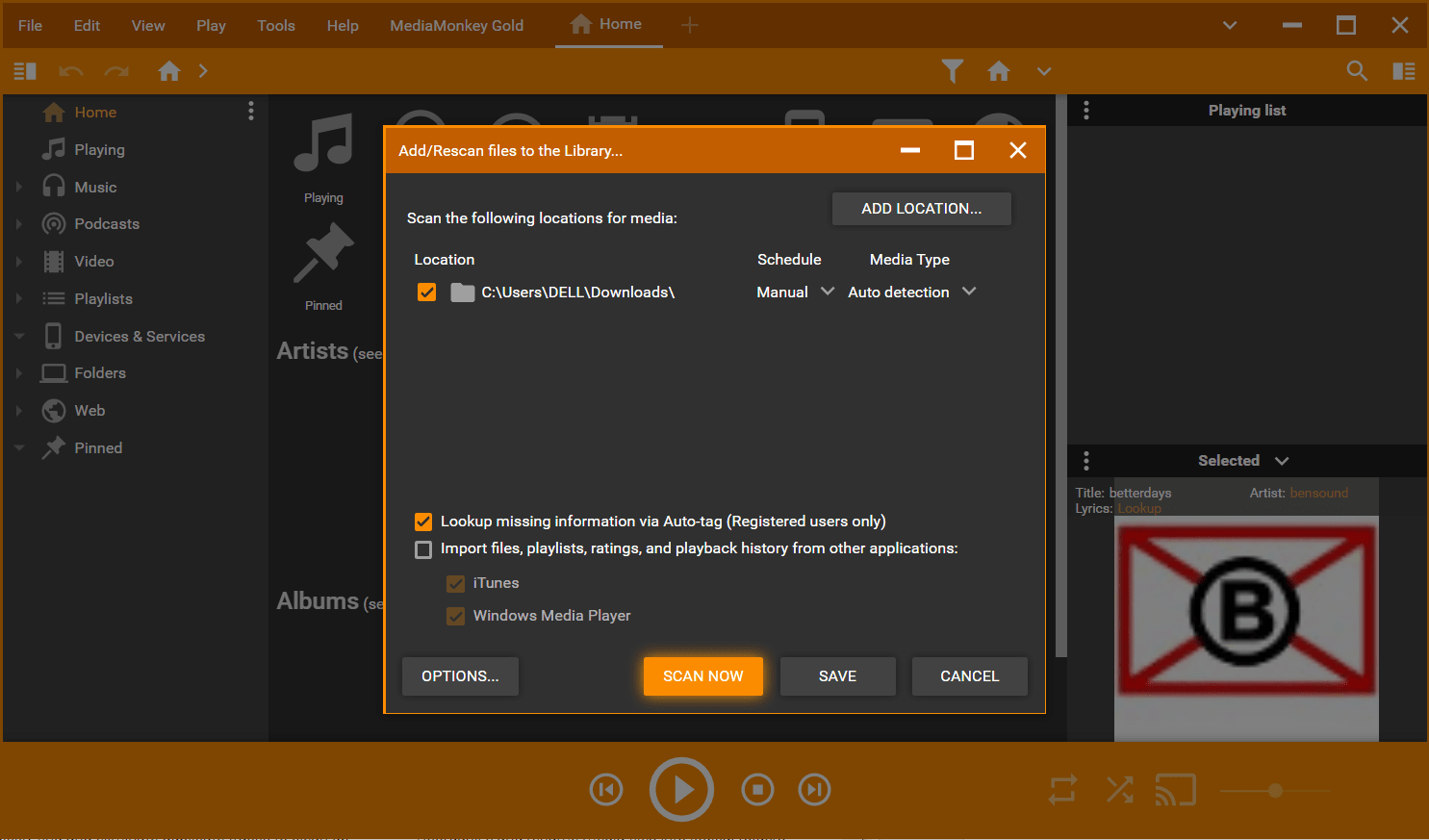
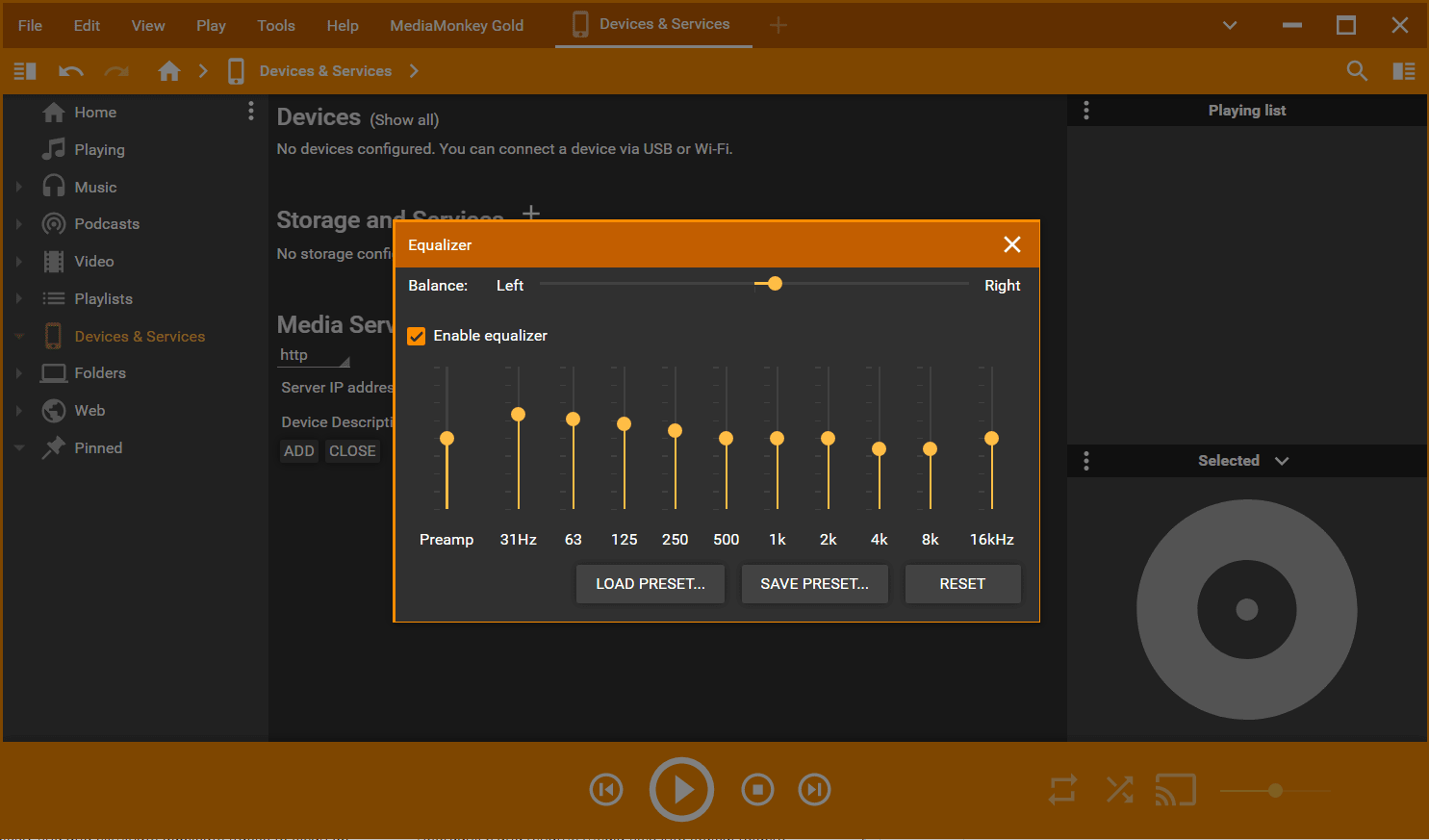
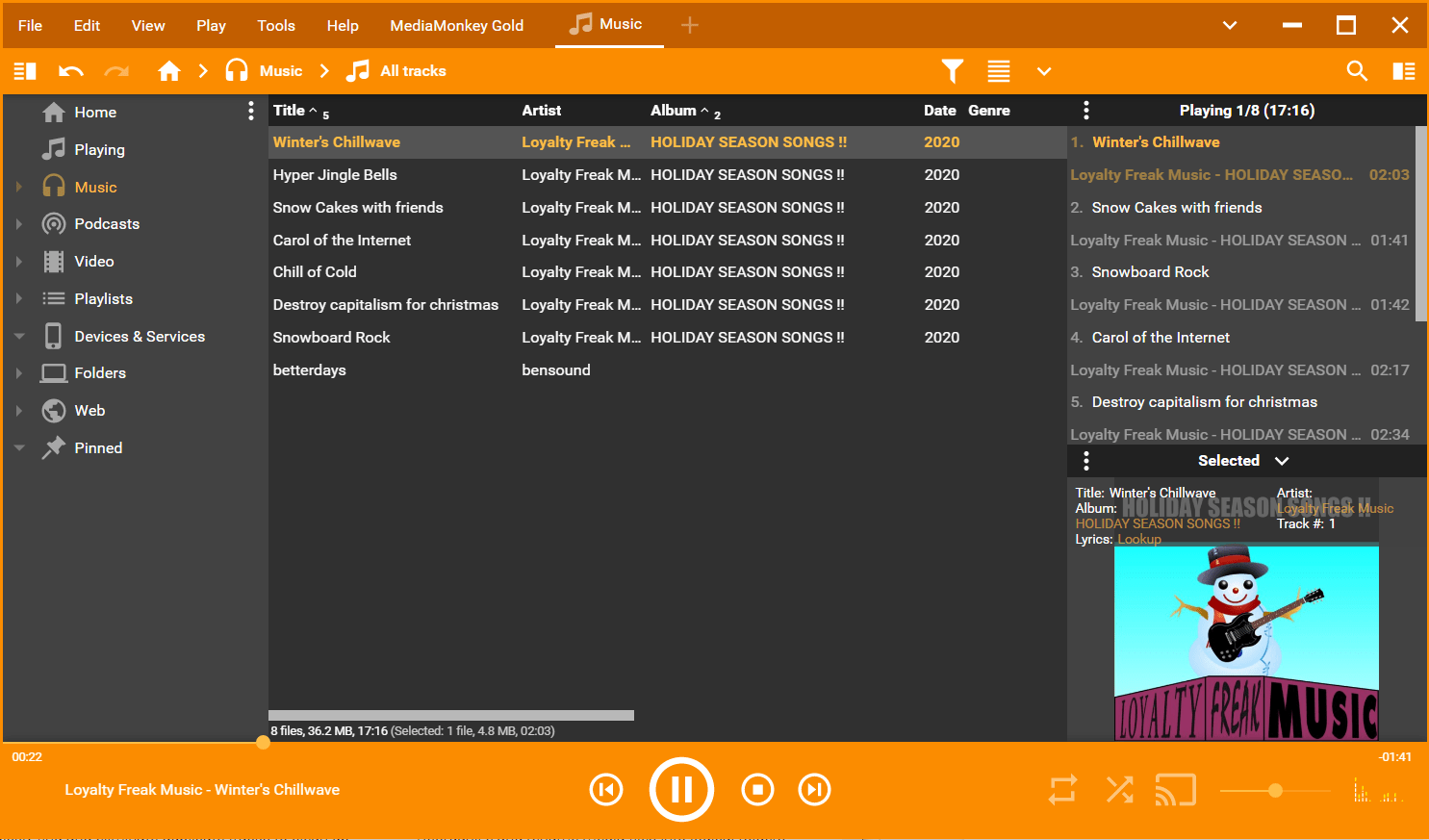
The latest releases (MediaMonkey 2024 and newer) strike a great balance, keeping a clean, intuitive UI while presenting loads of options within reach. The left-side navigation panel takes you to your favorite music, podcasts, playlists, and remote content from other devices or the web. You can import your data from iTunes or Windows Media Player and quickly add library folders. The good thing is that almost every aspect of MediaMonkey is fully customizable within the app's settings. If you're serious about media library organization and playback, it's worth investing your time in MediaMonkey.Extensive format and streaming support
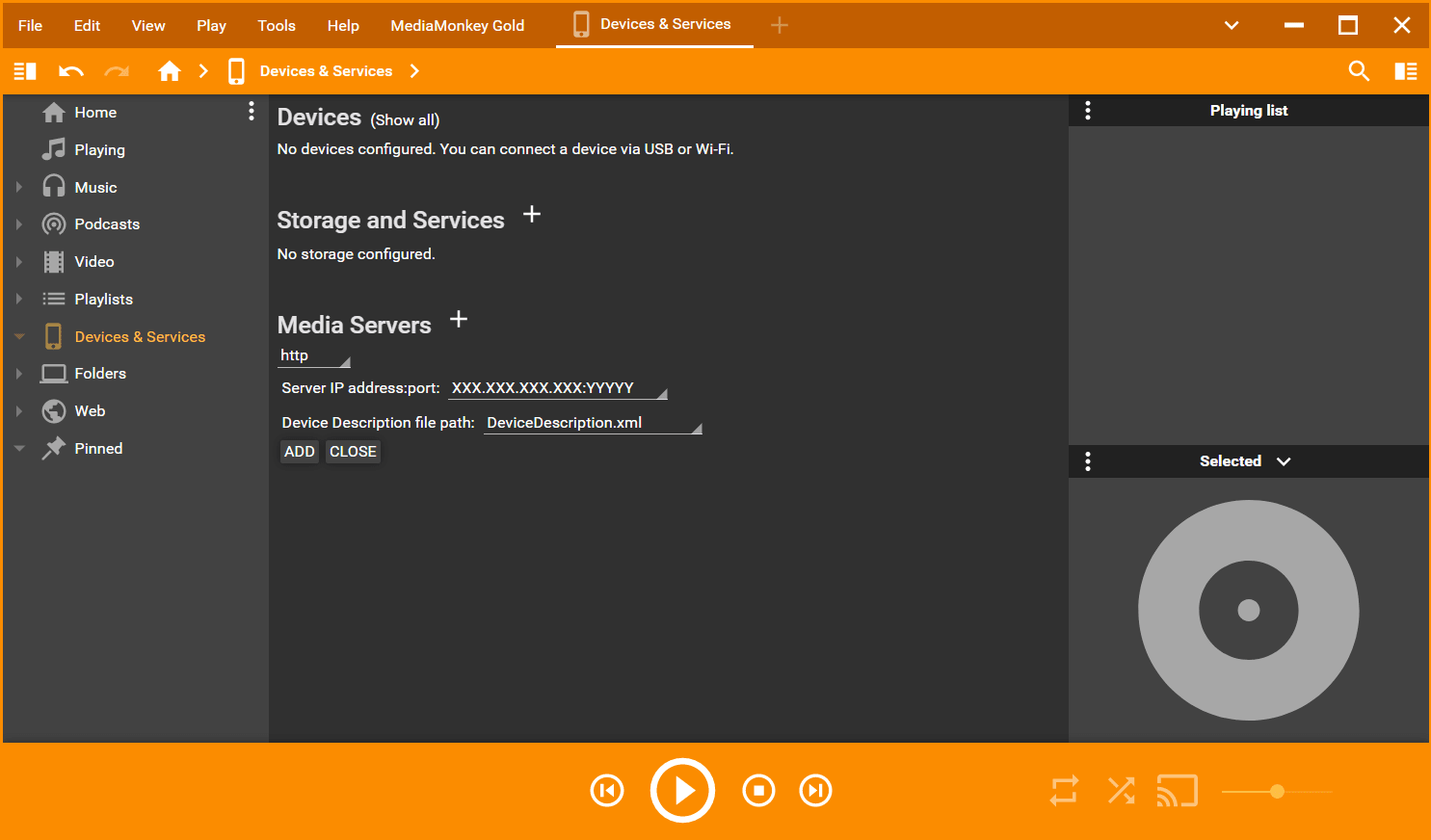
MediaMonkey can natively handle almost any file format you might have, without the need for codecs. The best thing about it is that it doesn't matter where your tracks are stored. They can be on your computer, on a network device, external drive, or even online. It only takes a few clicks to play music from integrated services like Spotify and Deezer, or tune into internet radio streams. If you're starting with a messy library missing media info, MediaMonkey can tag your files automatically by downloading relevant data, like artist info, album art, and song lyrics. If you need even more capabilities, you can download user-made extensions from the official site.Playback, sync, and extra modes
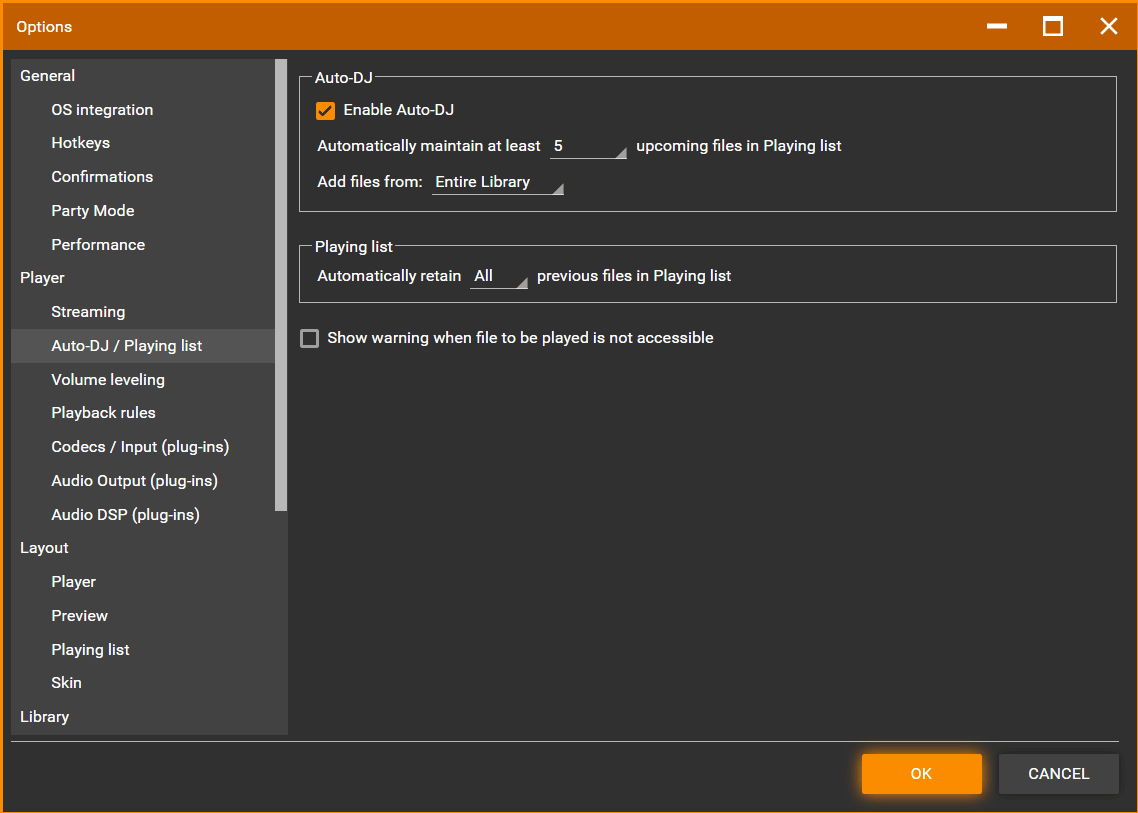
MediaMonkey allows complete device and cloud sync to manage your library from one place, covering media organization, playback, streaming, casting, and synchronization. Regarding the actual playback, the player is relatively simple but backed by powerful playlist management. In the settings, you'll find plenty of useful options and modes like Auto-DJ to automatically play tracks based on user-defined criteria, and Party Mode, which allows users to make playlist requests. If you're serious about music, look no further than MediaMonkey. If you're willing to take it to the next level, MediaMonkey Gold is sure to add some extra functionality you will use regularly.A flexible tool for dedicated collectors
By design, it's geared toward people willing to invest time to learn its extensive tweaking options. The upside is that MediaMonkey can easily function as a simple media player like Windows Media Player or Groove Music. Don't let that fool you, as it contains so much under the hood. The only downside is that it is primarily available for Windows, with a companion app for Android.